
Installation Windows
1. Download the Safe Exam Browser for Windows. Here is the link to the version.
2. Open the downloaded file in your downloads.
3. Select the box «I agree to the license terms and conditions» and click on «Install».

4. The Safe Exam Browser is installed.
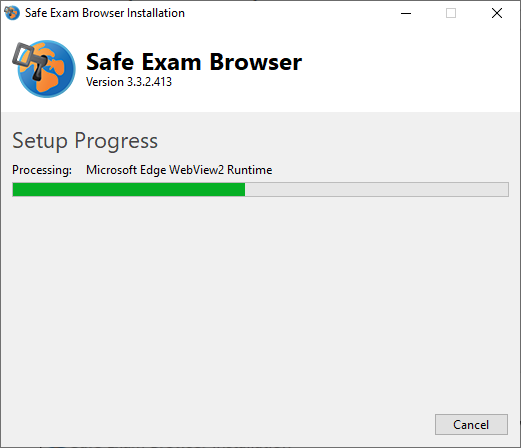
5.If the Safe Exam Browser is installed, this is displayed as follows:

6. Close the installation window and search for “Safe Exam Browser” in your search function at the bottom left. If you see the Safe Exam Browser, it has been installed.
