
Installation MacOS
1. Download the file and open the downloaded program. Here is the link to the version.
2. A pop-up appears, which instructs you to drag the “Safe Exam Browser” icon with the mouse into the program folder / Application Folder
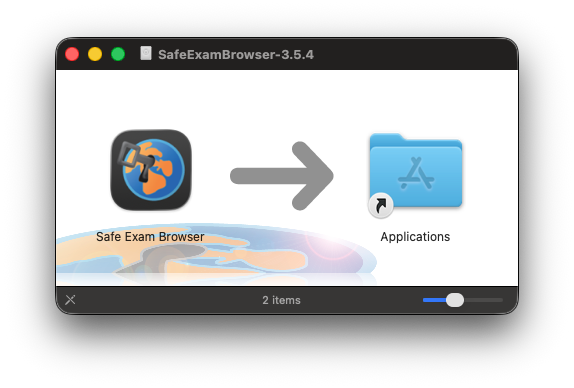
3. Now go to your Applications Folder and see if the Safe Exam Browser has been installed. If you see the Safe Exam Browser, it has been installed.
